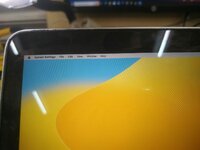
Hello! Have you tried this?
On your Mac, choose Apple menu > System Settings, then click Displays in the sidebar. (You may need to scroll down.) On the right, select one of the Larger Text options to the left of Default.
This site uses cookies to help personalise content, tailor your experience and to keep you logged in if you register.
By continuing to use this site, you are consenting to our use of cookies.